
USDS is a stablecoin in the Sky ecosystem that can be used within supported blockchain applications. Before transferring USDS, users should understand how blockchain transactions work and how to avoid common mistakes.
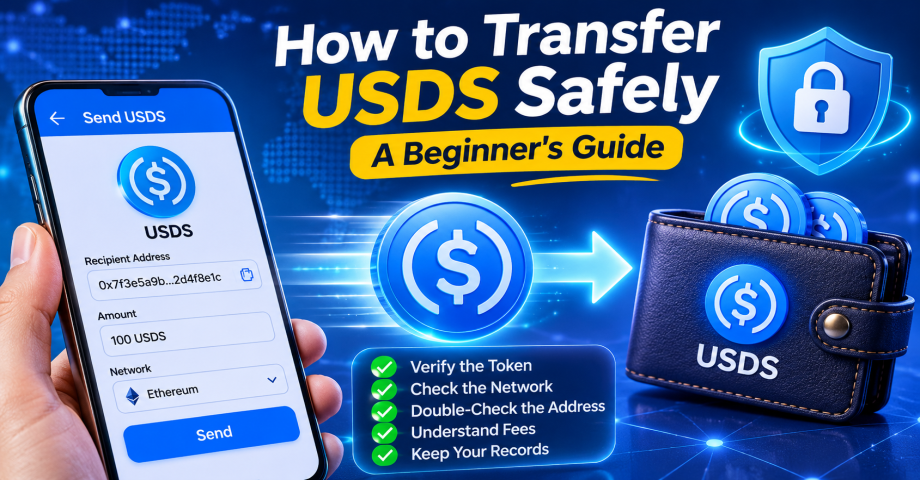
Always confirm that you are using the genuine USDS token. Check the official Sky documentation for verified token information and supported networks.
Make sure the sender's and recipient's wallets support the same network. Sending tokens through an incompatible network can result in lost funds.
Carefully review the recipient's wallet address before confirming a transaction. Even a small mistake can send funds to the wrong destination.
Blockchain transfers may require network fees. These fees depend on the network and its current activity.
When appropriate, consider sending a small test amount before transferring a larger balance.
Save your transaction ID or transaction hash. You can use it to check the transfer status through the relevant blockchain explorer.
Transferring USDS requires attention to token authenticity, network compatibility, wallet addresses, and transaction fees. Taking time to verify these details can help users avoid common transfer mistakes.
For official information about USDS, visit
Start staking with high yields right now and earn a steady income.
https://stake.token.sinbad.click
Disclaimer: This article is for educational purposes only and is not financial advice. Cryptocurrency transactions involve risks, including possible loss of funds.
Can Stablecoins Lose Their Dollar Peg? Understanding the Risks